 AI & Automation
6 min read
AI Automation for Small Business: Where to Start Without Overspending
You don't need an enterprise AI budget to get real value from automation. Here's a practical order of operations for small and mid-sized teams.
Key takeaways
Every small business owner has now seen the chat bubble in the corner of someone else's website and wondered whether theirs should have one. The sales pitch is simple: it answers customers around the clock and never gets tired. The reality is more mixed. A well-set-up chatbot can save your team real time. A badly set-up one can confuse customers, make promises you didn't authorize and quietly cost you leads.
This guide covers what a website chatbot does well, where it falls short, who is responsible when it gets something wrong, and what to prepare before you switch one on. It is written for owners and managers, not developers.
Modern chatbots are built on large language models, which means they can understand a question written in everyday words and answer in natural language. That is a real improvement over the old menu-driven bots. In practice, they work best on three jobs.
Notice what these have in common. In each case the chatbot is working from information you control, and the cost of a small mistake is low. That is the pattern to look for when you decide what to hand over.
The failures are just as predictable. A chatbot struggles with anything that needs judgment, context it can't see, or authority it doesn't have.
It is tempting to think of a chatbot as a separate tool whose mistakes are the tool's problem. A well-known case shows why that doesn't hold up. In Moffatt v. Air Canada (2024 BCCRT 149), a customer asked the airline's website chatbot about bereavement fares and was given incorrect information. When he later claimed the discount, the airline refused, arguing in part that the chatbot was a separate entity responsible for its own actions. The British Columbia Civil Resolution Tribunal rejected that argument, treating the chatbot as part of the airline's website, and ordered the company to compensate the customer.
It was a tribunal decision in Canada, not a US court ruling, but the lesson travels well: customers reasonably rely on what is on your website, whether it's a static page or a chat window. If a bot tells a visitor something wrong, the visitor will hold you to it. That is a strong reason to keep the bot on a short leash and to log what it says.
Before choosing a tool, check whether a chatbot is the right next step. If your website gets very few questions, the effort of setting up and monitoring a bot may not pay off. If visitors arrive but few of them contact you, the problem is more likely the page itself: unclear services, a slow site, or a contact form that is hard to find or broken. Fix those first, starting with the routine checks in our website maintenance checklist. A chatbot placed on top of a confusing site just gives confused visitors another place to get lost.
If you do see the same ten questions every week, or you know inquiries are slipping through after hours, a chatbot is worth a serious look. It is also a natural first project in the order we describe in AI automation for small business.
Most bad chatbot experiences come from skipped preparation, not from the technology. Five things make the difference.
Give yourself an afternoon and treat the chatbot like a new employee on their first day. Ask it the 20 questions your team hears most often and check each answer against your real policy. Then try to break it.
Plan to read real conversations every few days at the start. It is the fastest way to find the questions you didn't anticipate, the answers that need tightening and the places visitors get stuck. Each fix is usually small: a missing paragraph on a page, a clearer instruction, a better hand-off message. After the first few weeks, a short monthly review is normally enough. Four weeks in, look at the numbers that matter to you, such as how many visitors used it, how many leads it captured and how many conversations needed a person, and decide whether to keep, adjust or switch it off.
For simple needs, a ready-made chat widget that answers from your website content can be enough, as long as you can control what it says and see the conversations. A custom setup starts to make sense when you want the assistant to work with your own documents, create leads in your CRM, check availability in your booking tool or follow rules specific to your business. That is the kind of work we do under AI chatbots and workflow automation, and the same rules apply either way: approved content, firm limits, a human hand-off and regular review.
Write down the 20 questions your team answers most often, and check that each one has a clear, current answer on your website. That exercise helps your visitors even if you never add a chatbot, and it is the raw material a good chatbot needs. If the answers are there and the questions keep coming, you are ready to scope a chatbot with a short never-list and a tested hand-off. Starting small and reading the conversations will teach you more than any vendor demo.
Not always. A chatbot earns its place when visitors ask the same questions repeatedly, when inquiries arrive outside working hours, or when slow replies cost you leads. If your site only gets a handful of questions a week, a clear FAQ page and a good contact form usually do the job.
Enough to cover the questions people actually ask: services, service area, hours, how to book, policies and what happens next. Start by writing down the 20 most common questions your team answers, then make sure each one has a clear, current answer on your site. The chatbot is only as good as the material behind it.
It can, if it is connected to your calendar, booking tool or store. Simple setups collect the visitor's details and a preferred time and pass them to your team to confirm. Fully automatic booking needs an integration with the tool where your availability lives, and it should be tested thoroughly before customers use it.
On the page. Hours, services, policies and contact details should be on regular pages where every visitor, and every search engine, can read them. Let the chatbot answer from that content instead of being the only place it exists.
Work with us
We work with businesses in the US and worldwide. Tell us where things stand and we'll give you an honest recommendation, even if that means a smaller project than you expected.
AI & AutomationYou don't need an enterprise AI budget to get real value from automation. Here's a practical order of operations for small and mid-sized teams.
 AI & Automation
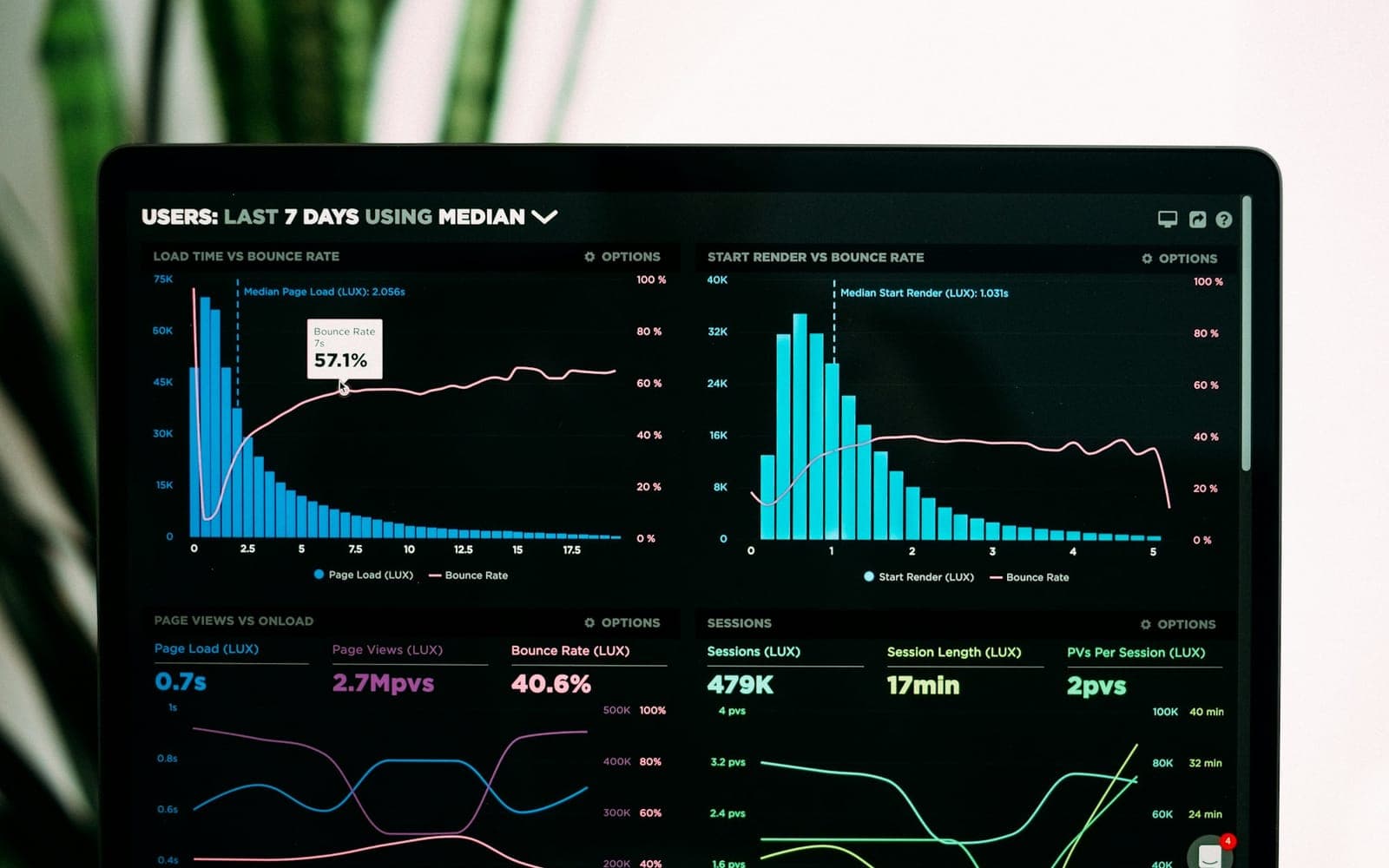
Most dashboards answer last quarter's questions, then gather dust. Here's how AI-powered dashboards change that, and how to build one you can trust.
 Web Development
What to check weekly, monthly, quarterly and yearly to keep your small business website secure, fast, and bringing in leads.
No spam, just practical writing on AI, SEO, and building things that grow.