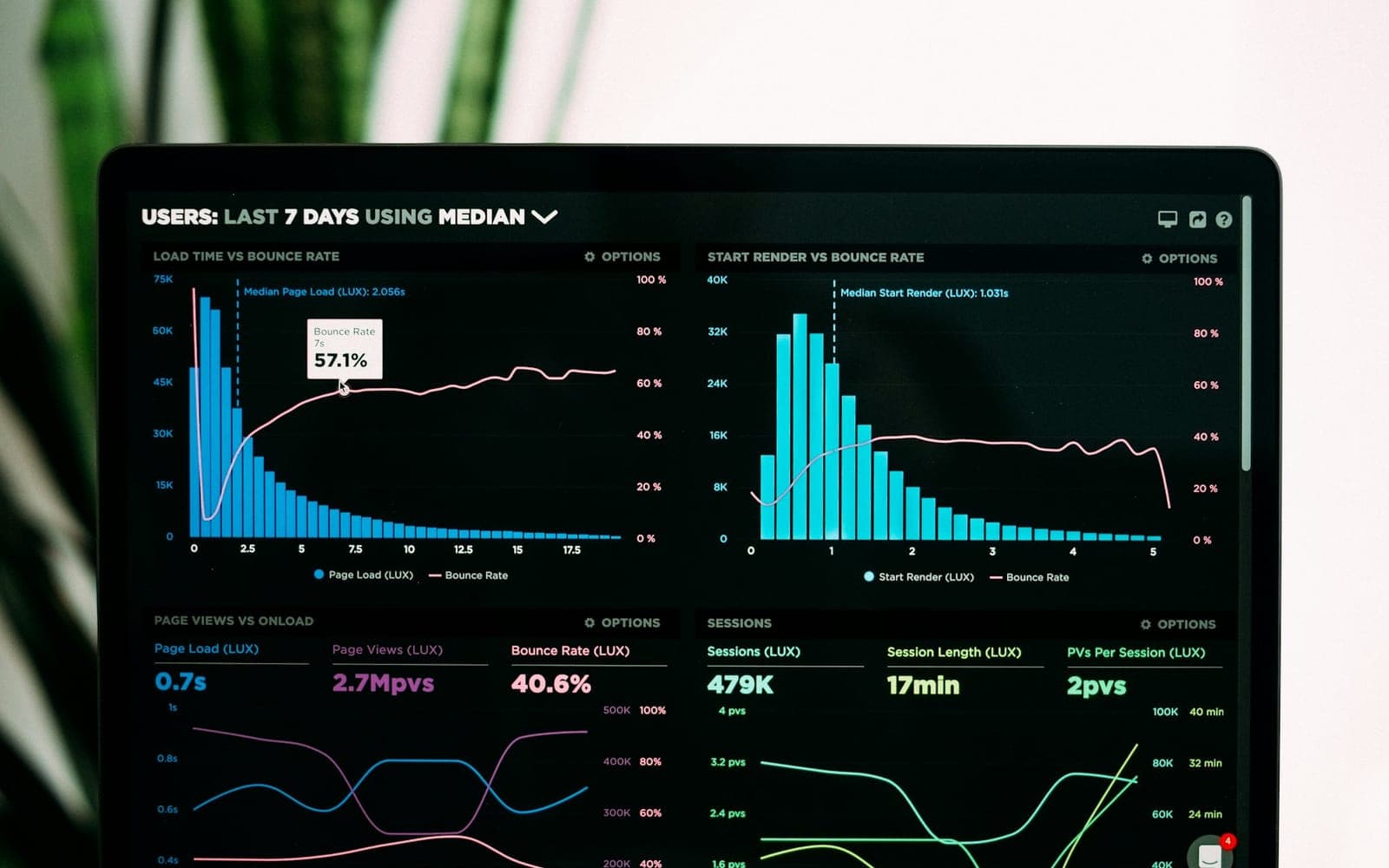
 AI & Automation
6 min read
Why Nobody Opens Your Dashboard (and How AI Dashboards Fix It)
Most dashboards answer last quarter's questions, then gather dust. Here's how AI-powered dashboards change that, and how to build one you can trust.

Key takeaways
Most small businesses hear "AI automation" and picture a six-figure engagement with a data science team. In practice, the highest-ROI automation projects we build are small, targeted, and running within weeks. That's not because the technology is limited, but because the biggest wins come from removing repetitive work, not from building something exotic.
The opposite mistake is just as common. A business signs up for three AI tools in one enthusiastic month, nobody is clearly responsible for them, and half a year later the subscriptions are still billing while the team works exactly as it did before. What follows is the order of operations we use with small and mid-sized teams instead. Each step is meant to pay for itself before you commit money to the next one.
The best automation candidates aren't hidden. They're the tasks someone on your team mentions being tedious at least once a week: answering the same five customer questions, manually copying leads from a form into a CRM, writing the same follow-up email with minor edits, or compiling a weekly report from three different tools, a job an AI-powered dashboard can take over.
A simple way to find them: ask everyone to keep a rough note for one week of anything they did more than twice that felt like copying, pasting, chasing or retyping. The list is always longer than people expect. Then run each item through three filters. A good first candidate is:
Anything that passes all three goes on a shortlist. Rank that shortlist by how often the task happens multiplied by how long it takes each time, and be honest about the numbers. A four-minute task that happens forty times a week is a better target than a two-hour monthly report, even if the monthly report is the one people groan about loudest.
Tier one is workflow automation: connecting tools you already use (forms, CRM, email, spreadsheets) so data moves without manual entry. No AI required, and it's often the fastest win. Tier two is AI-assisted work, meaning drafting responses, summarizing calls, and tagging support tickets, where a human still reviews the output. Tier three is autonomous AI: chatbots and assistants that handle full conversations without a human in the loop, which we only recommend once tier one and two are working well.
The order matters because each tier depends on the one below it. An assistant that drafts replies to customers is only useful if it can see the customer's history, and it can only see that history if your tools are already connected and the data lives somewhere sensible. Teams that jump straight to tier three usually discover they're doing a tier one project anyway, just with more expensive tools and a chatbot on top.
“The businesses that get the most value from AI aren't the ones with the biggest budget. They're the ones who automated the boring 20% first.”
For most small businesses, the right starting point is an AI-assisted intake process: a chatbot or form that qualifies leads, answers common questions, and routes anything complex to a person (the kind of AI chatbots and workflow automation we build for small businesses), paired with automation that logs everything into your CRM automatically. That single project often pays for itself within a quarter through faster response times and fewer dropped leads. In practice it usually looks like this:
Notice how little of that is fully autonomous. The AI handles summarizing, tagging and first-line answers, and a person still owns the relationship. That balance is what makes it safe to launch quickly, and it's easy to hand more work to the system later once you trust what it produces. The form or chat widget in front of it still needs the routine checks in our website maintenance checklist, because an automation is only as reliable as the form feeding it.
Small teams often skip this part because it sounds like enterprise overhead. It isn't. A handful of decisions made up front prevent the embarrassing failures: an assistant quoting a price you don't offer, promising a delivery date nobody agreed to, or customer data ending up in a tool nobody checked.
Decide what success looks like before you build, and write down the starting numbers. Without a baseline you end up judging the project on gut feel, and gut feel tends to remember the one time the chatbot got something wrong rather than the hundred times it saved someone ten minutes.
For the first two weeks, read a sample of real conversations or outputs every day or two. It's the fastest way to find edge cases, and there are always edge cases. After that, a short monthly review is usually enough.
None of these are reasons to wait. They're reasons to start smaller than you're tempted to. A narrow, well-tested first project builds the internal confidence (and the CRM hygiene) that makes the second and third automation projects much faster to ship.
Run the one-week task log, pick the highest-frequency candidate that passes all three filters, and scope it as a tier one or tier two project. Record your baseline numbers, agree who owns the automation once it's live, and put a date in the calendar four weeks after launch to decide whether to keep it, fix it or switch it off. If it earns its place, the second project will be quicker, because the connections, the data and the habits are already there.
Start with tasks that are repetitive and rule-based, happen daily or weekly, and have a result you can measure. For most small businesses, a good first project is AI-assisted lead intake: a form or chat that qualifies new inquiries, answers common questions from approved content, logs everything in the CRM and routes anything complex to a person.
No. The highest-return projects are usually small and targeted. Connect the tools you already use first (often no AI is needed), add AI-assisted drafting and summarizing with a human reviewing the output second, and consider fully autonomous assistants only once those are working well.
It can be, with guardrails in place before launch: approved answers, a clear list of things it must never do (such as offering discounts, committing to dates, or giving legal or medical advice), a tested hand-off to a person, telling customers they're talking to an automated assistant, and a log of every conversation.
Record a baseline before you build: hours spent on the task each week, response time to new inquiries, and the monthly cost of the tools. After launch, track the share of requests handled without a person, how many of those were correct when spot-checked, and escalations or errors per week, then decide four weeks in whether to keep, fix or switch off the automation.
Work with us
We work with businesses in the US and worldwide. Tell us where things stand and we'll give you an honest recommendation, even if that means a smaller project than you expected.
AI & AutomationMost dashboards answer last quarter's questions, then gather dust. Here's how AI-powered dashboards change that, and how to build one you can trust.
 Web Development
What to check weekly, monthly, quarterly and yearly to keep your small business website secure, fast, and bringing in leads.
 Digital Marketing
This isn't an either/or decision. Here's a practical framework for how much to invest in paid versus organic, based on your timeline and market.
No spam, just practical writing on AI, SEO, and building things that grow.