 AI & Automation
6 min read
AI Automation for Small Business: Where to Start Without Overspending
You don't need an enterprise AI budget to get real value from automation. Here's a practical order of operations for small and mid-sized teams.
Key takeaways
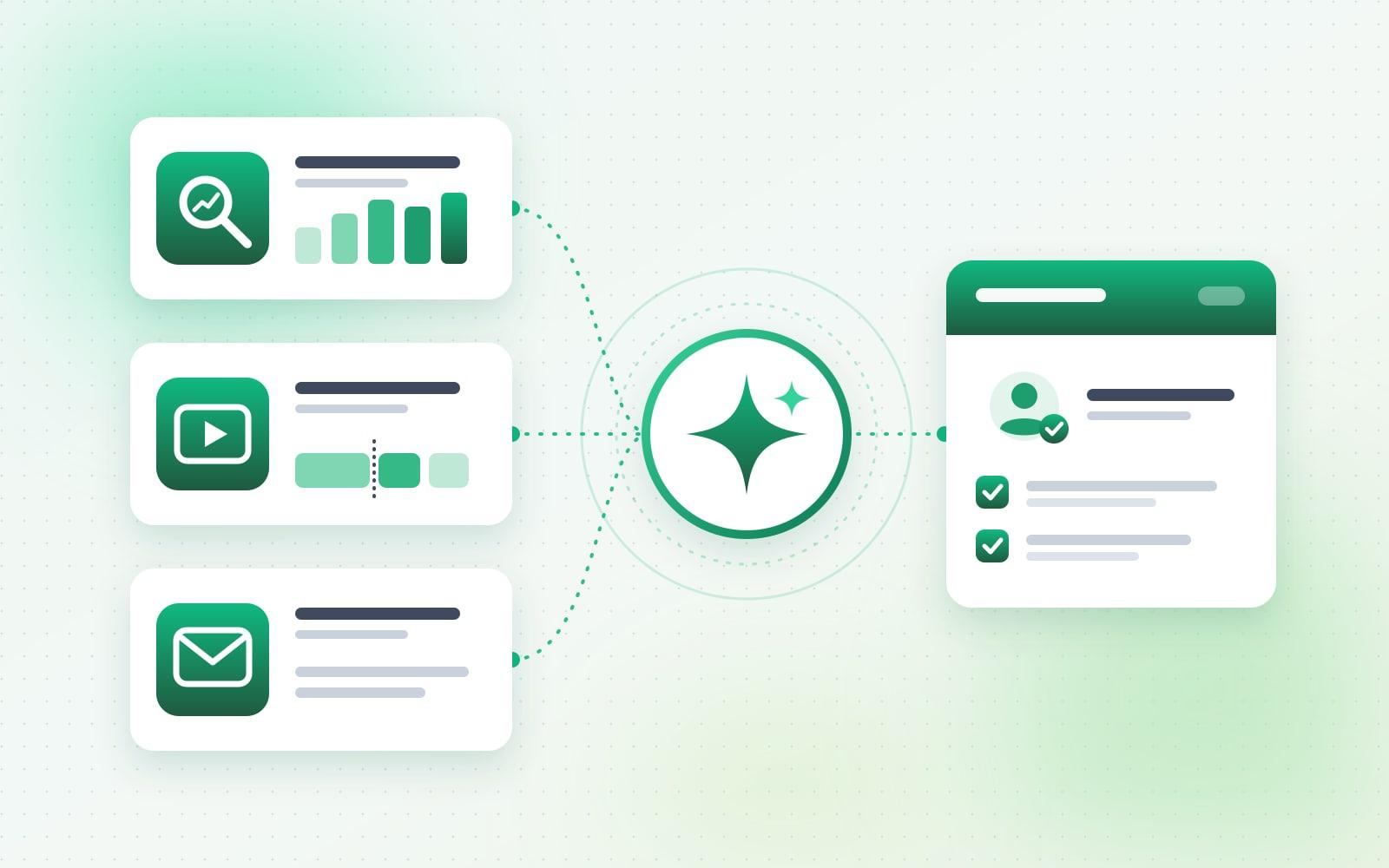
Every few months a new buzzword lands on small business owners, and right now it is "AI agents." The pitch is big: software that does the work for you. The reality is more useful and more modest. An agent is a good assistant for a specific set of repetitive tasks, and a poor replacement for your judgment.
This guide explains what an agent actually is, shows concrete examples in SEO, video editing and day-to-day admin, and ends with a way to start without risking your reputation.
A chatbot answers questions in a conversation. You ask, it replies. (If a website chatbot is what you are after, our guide to AI chatbots for small business websites covers it.)
An AI agent is given a goal and a set of tools, and it works out the steps itself. It might read a spreadsheet, check a website, write a draft, and put the result in your inbox, without you telling it each step.
Anthropic, the company behind Claude, draws a useful line in its engineering guide on building agents. A workflow is a system where the AI and your tools are run through predefined steps in code. An agent is a system where the AI "dynamically directs" its own process and tool use. Both are useful. The same guide recommends "finding the simplest solution possible" and notes that agentic systems often trade extra cost and delay for better results, and can make mistakes that compound across steps.
For a small business, that translates into a simple rule: use a fixed workflow where the steps are always the same, and only use a more autonomous agent where the task really varies from case to case.
SEO has plenty of work that is repetitive, rule-based and easy to check, which suits an agent well. A good setup can:
Here is where a person must stay involved. Google says that generative AI can be useful for researching a topic and adding structure, but that using it to produce many pages without adding value may violate its spam policy on scaled content abuse. Google also says it is "critical to manually factcheck and review all AI-generated content," and the same applies to titles, meta descriptions, structured data and alt text.
So the safe pattern is: the agent prepares, a person approves and publishes. An agent that publishes 50 articles on its own is how a small site ends up with thin pages and no rankings. If you want the basics an agent should be checking first, start with our local SEO checklist and the reasons a new site may not show up on Google.
Video is a good example because so much of editing is mechanical. Tools that use AI can now:
For a business that records a weekly tip, a customer Q&A or a product walkthrough, this can turn an afternoon of editing into a quick review. A basic version does not even need a full agent: a workflow can take a new file, run it through transcription and silence removal, add captions and drop the result into a folder for you.
The limits are real, though. Pacing, story and taste are still yours: cutting every pause can make a video sound rushed and robotic, so start gently and adjust. Auto-captions often stumble on names, product terms and accents, so read them before you post. Treat the AI's version as a strong first draft, not the final.
An agent can sort incoming email by type (new lead, support question, invoice, spam), pull up the right information and draft a reply for you to approve. For common questions such as opening hours, service areas or how a booking works, that is a real time saver. Leads can be logged in a spreadsheet or CRM automatically.
The rule here is "draft, don't send," at least until you have read a few weeks of its work. Anything that involves a refund, a complaint, a contract or a promise should go to a person.
Many small businesses lose time and cash to chasing paperwork. An agent or a simple workflow can:
If you would like to ask questions of your own numbers instead of reading charts, see how AI dashboards work.
Honest limits matter more than hype:
The hardest part is rarely the technology. It is deciding which task is worth automating and where the safety checks belong. Terox builds AI solutions for small and mid-size businesses, from simple workflows to agents connected to your own tools, and we can help you pick a first project that is small enough to test safely.
A traditional automation follows the same fixed steps every time ("when a form is submitted, add a row to the sheet"). An AI agent decides some of its own steps, for example reading a message, working out what it is about and choosing what to do next. Fixed automations are more predictable; agents are more flexible but need closer checking.
It can do much of the groundwork: reporting, finding problem pages, drafting titles and briefs. It should not publish on its own. Google says AI-generated content should be manually reviewed and fact-checked, and that mass-producing pages without adding value can violate its spam policy. A person should approve what goes live.
It replaces the mechanical parts: transcription, captions, silence removal and rough cuts. Story, pacing and style still need a human eye, and captions should be proofread. Most small teams use it to edit faster, not to skip editing.
It can be, if you limit what it can do. Give it the least access it needs, start with read-only access, have it draft rather than send, and review what it does before widening its permissions.
Many small businesses can start with AI features inside tools they already use or with simple automation platforms. A custom agent makes sense when the task is specific to your business, touches your own data or needs tighter controls than a ready-made tool offers.
Work with us
We work with businesses in the US and worldwide. Tell us where things stand and we'll give you an honest recommendation, even if that means a smaller project than you expected.
AI & AutomationYou don't need an enterprise AI budget to get real value from automation. Here's a practical order of operations for small and mid-sized teams.
AI & AutomationA website chatbot can answer routine questions and catch leads after hours, but only if it's set up with care. Here's what it does well, where it fails, and what to check before launch.
 SEO
Ranking in local map results is less about tricks and more about doing a few unglamorous things properly. Here's the checklist we use with service businesses.
No spam, just practical writing on AI, SEO, and building things that grow.